Original: $12.97
-70%$12.97
$3.89The Story
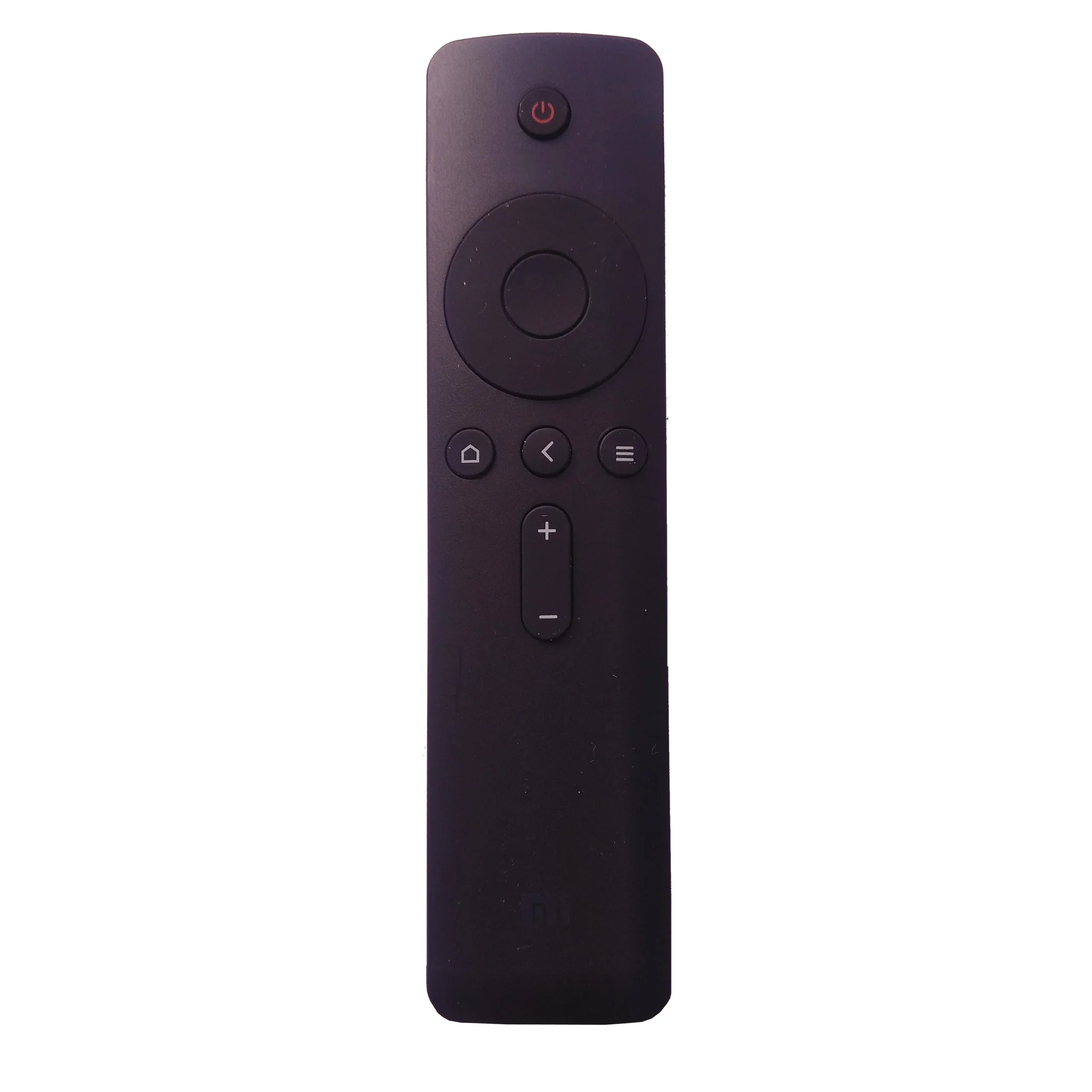
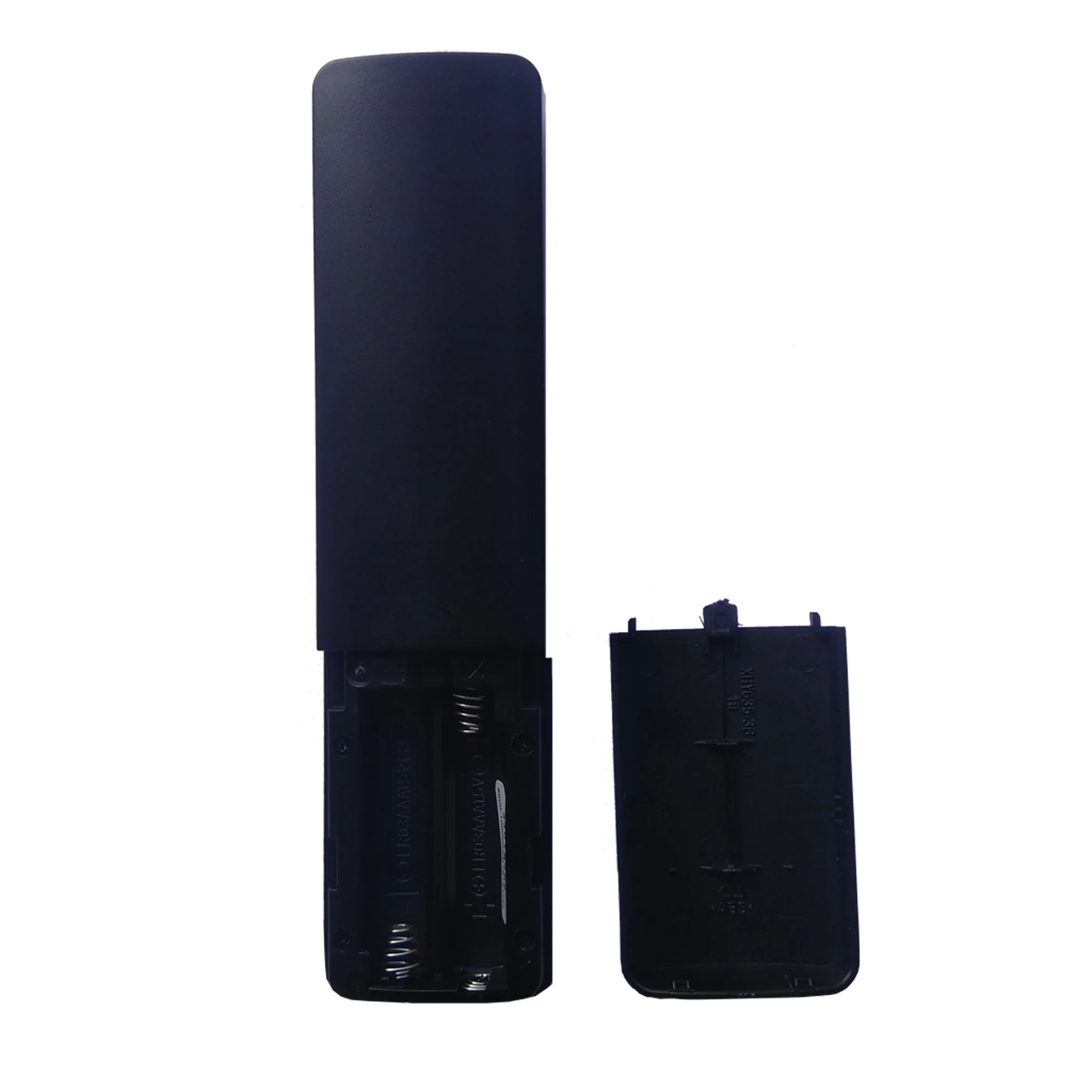
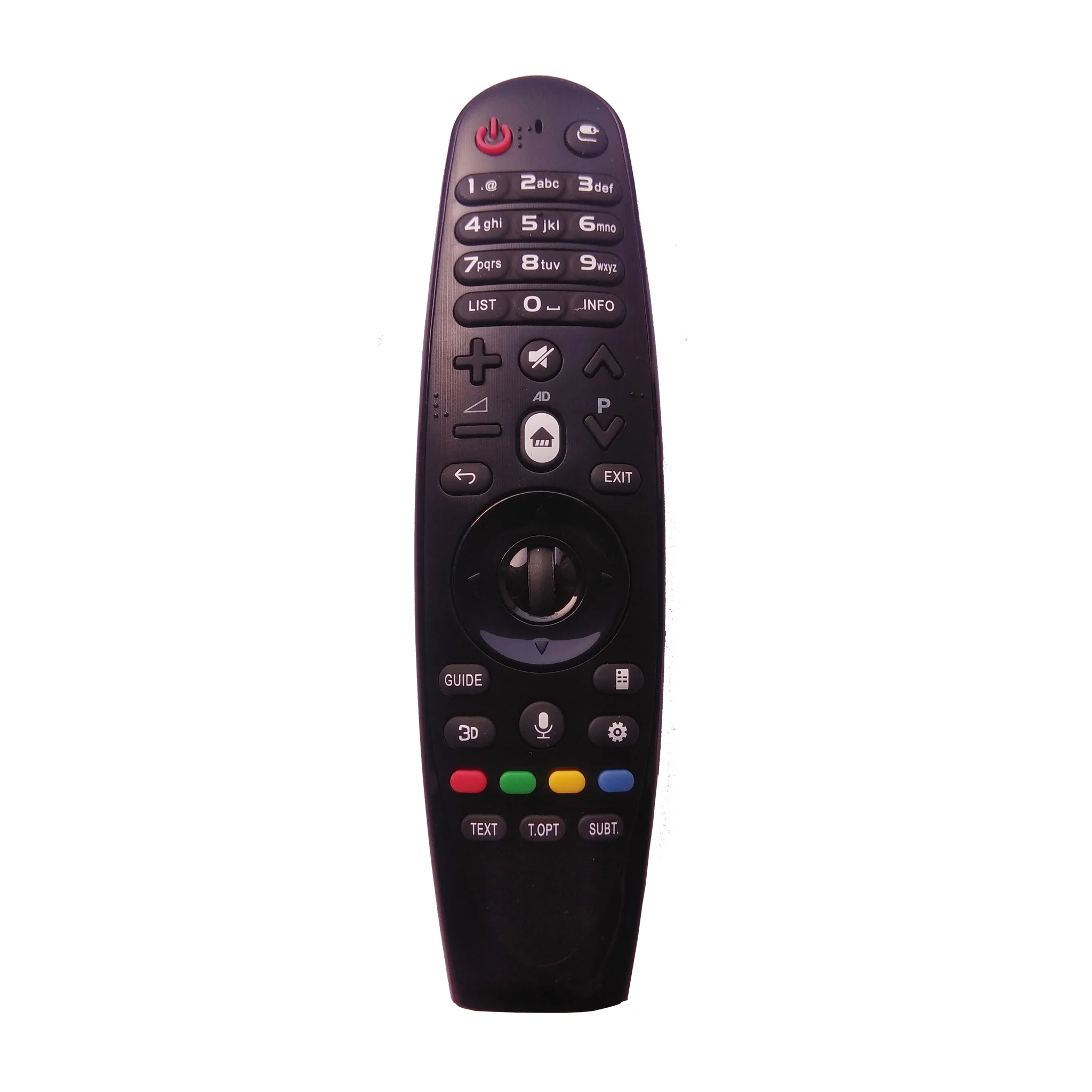
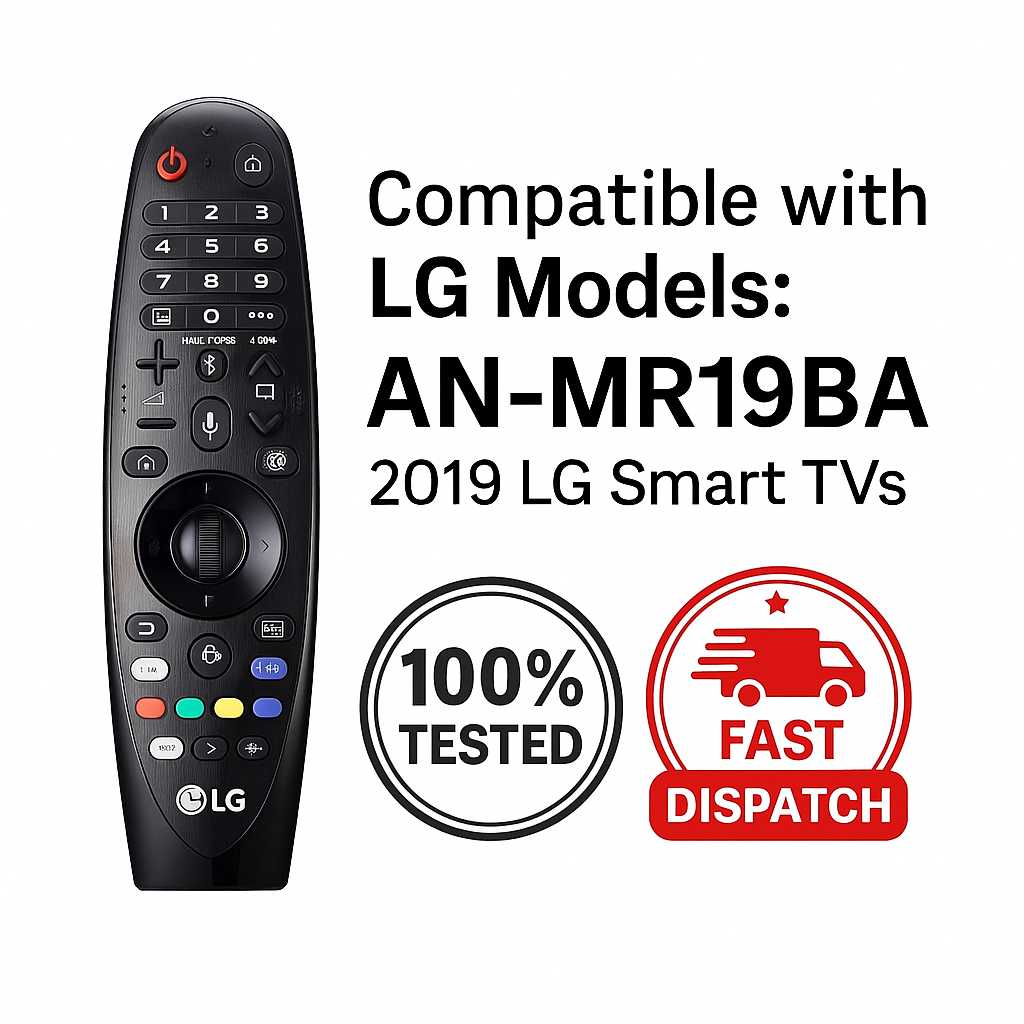
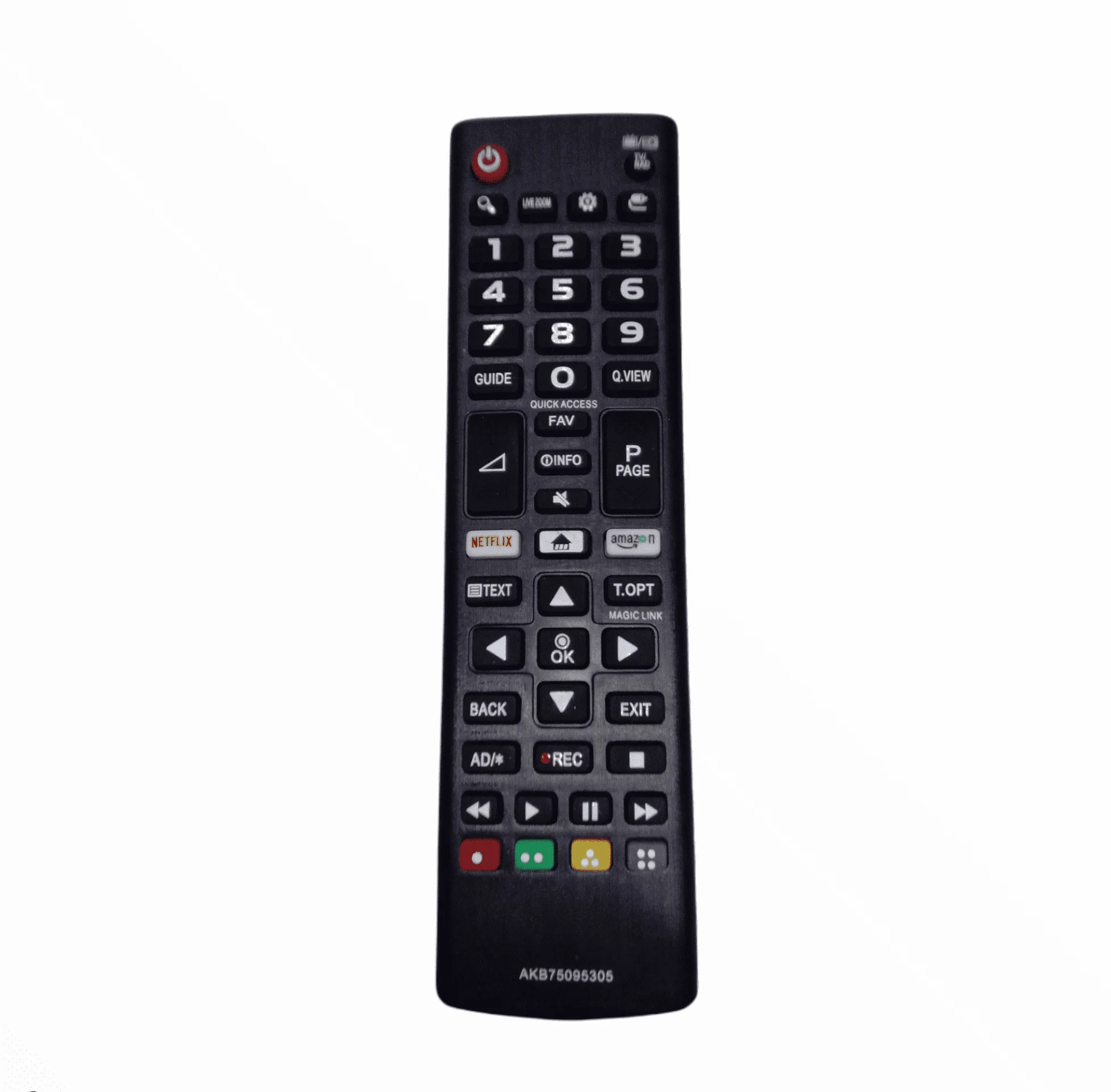
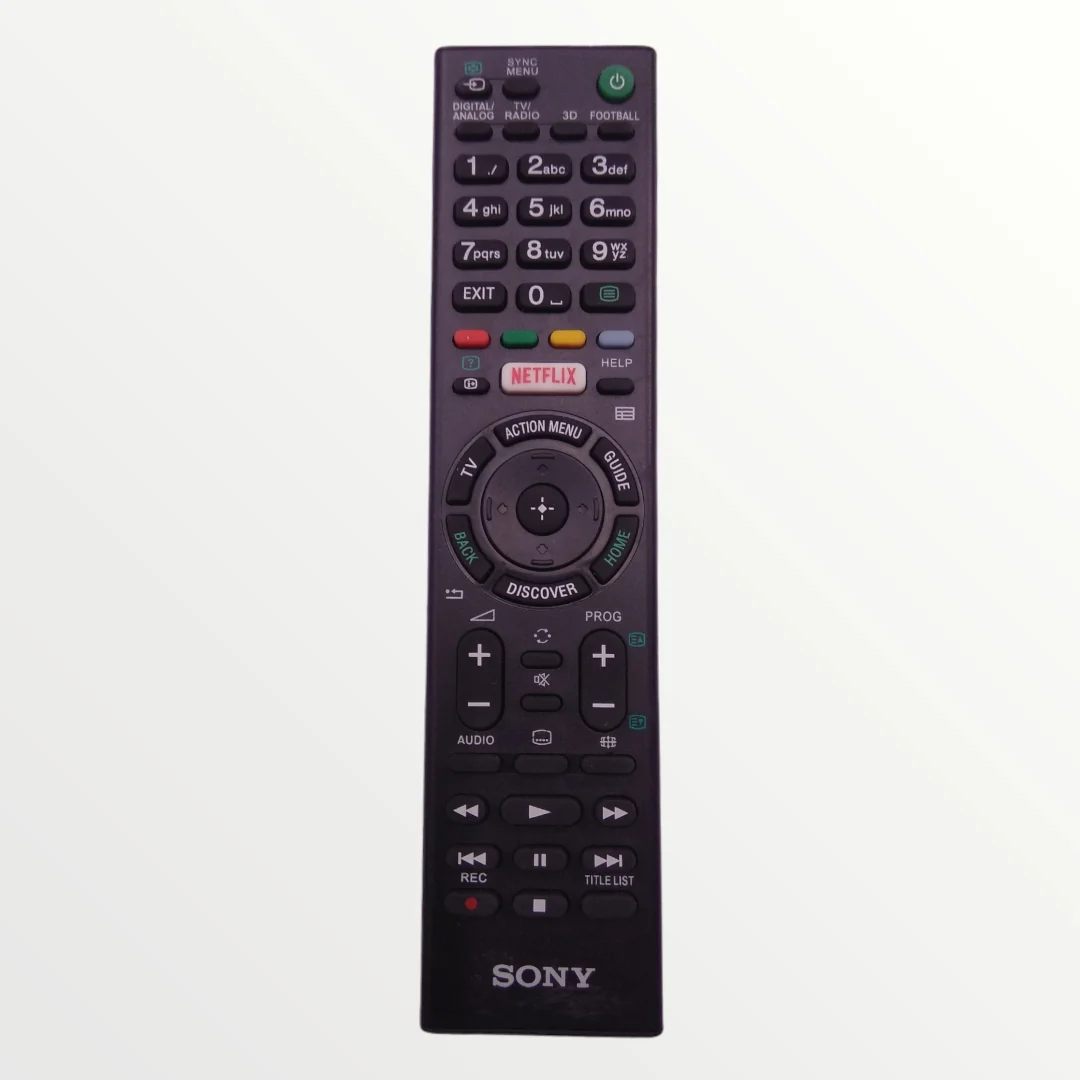
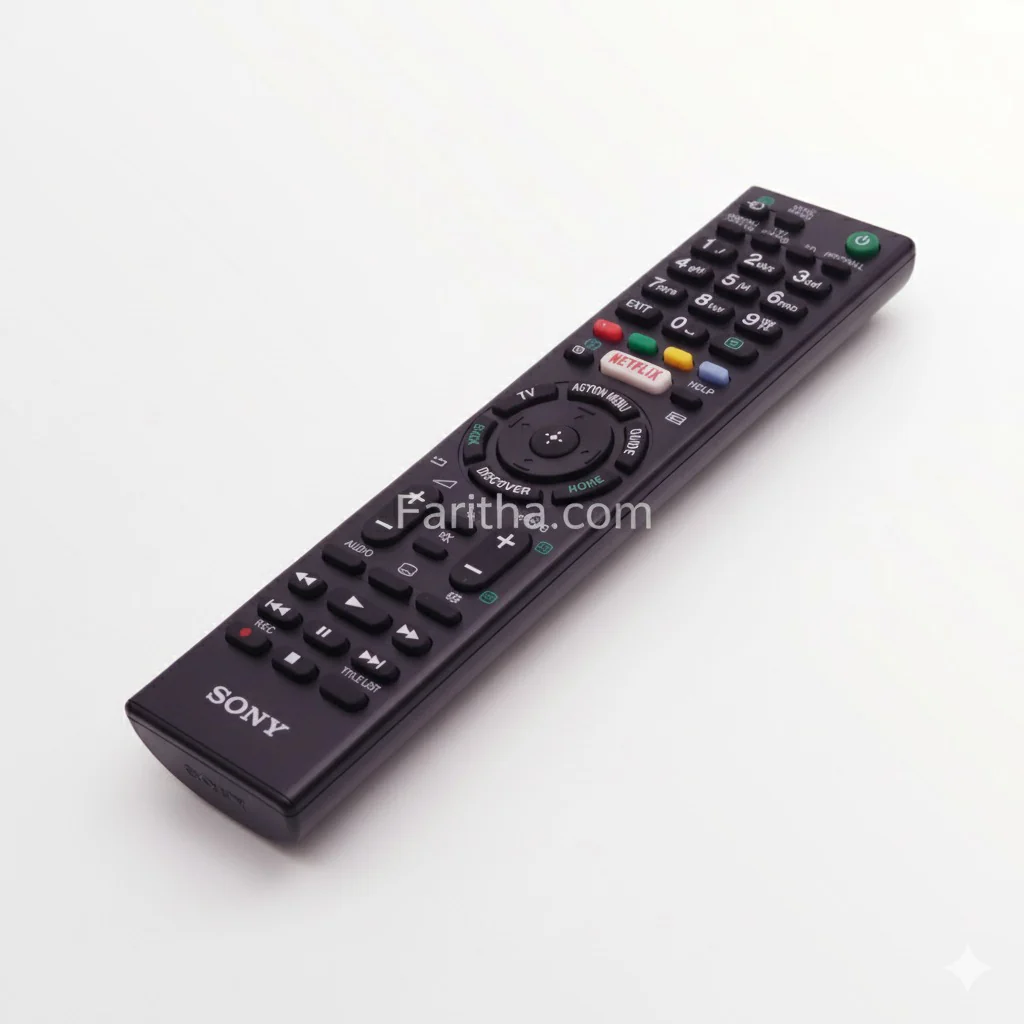
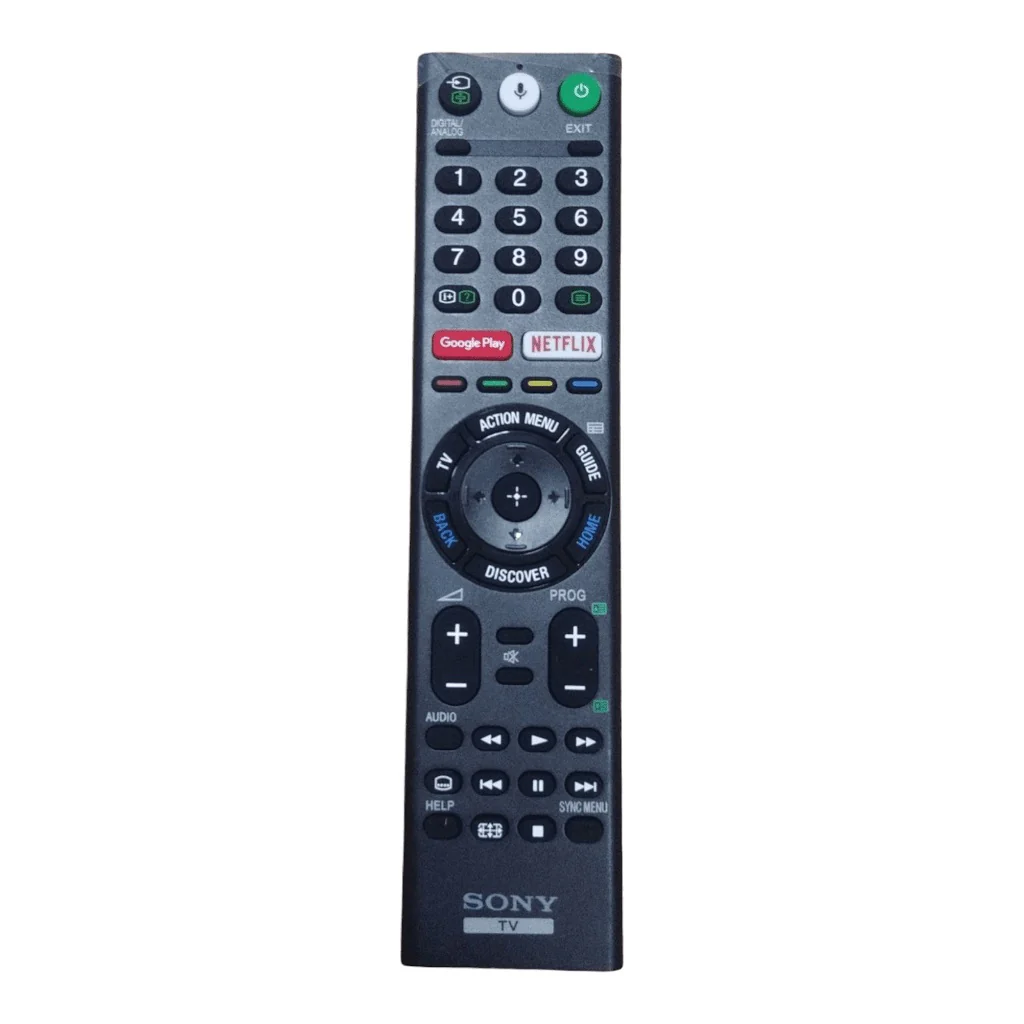
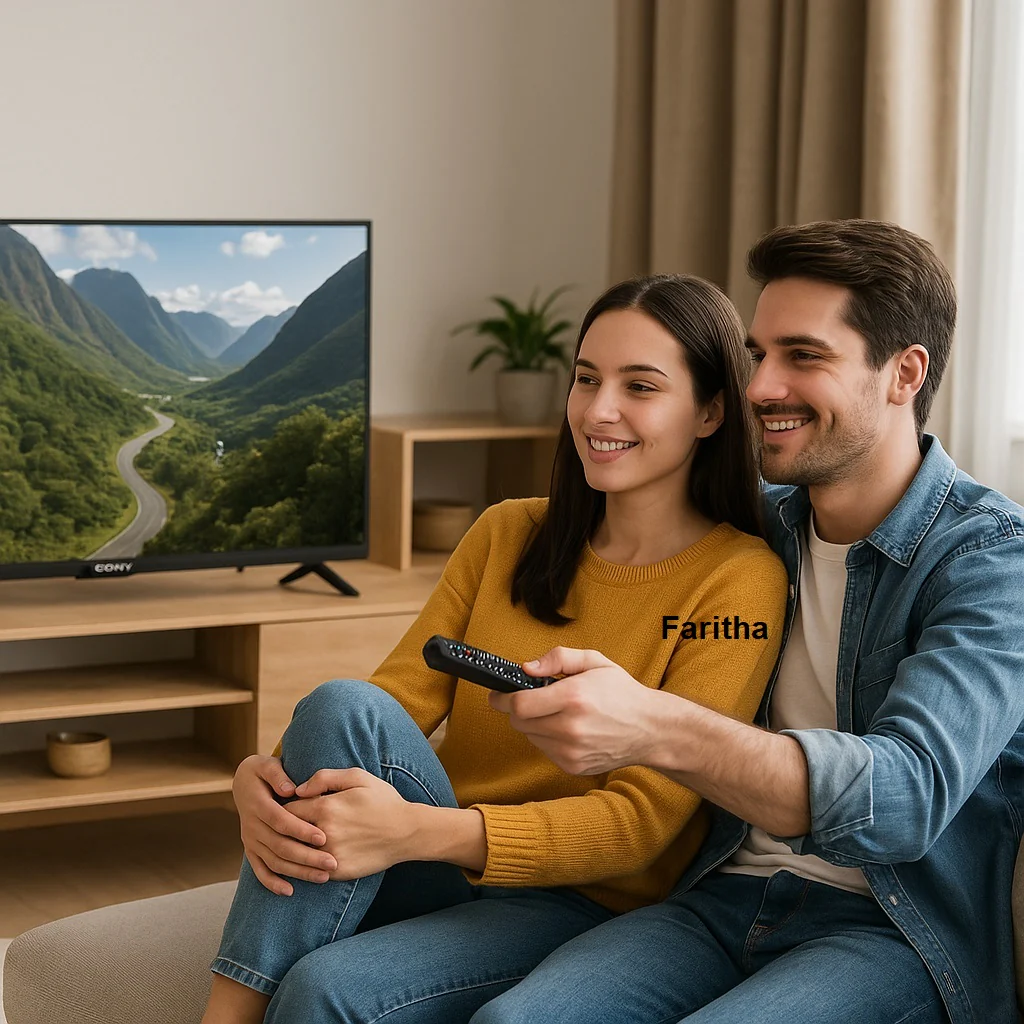
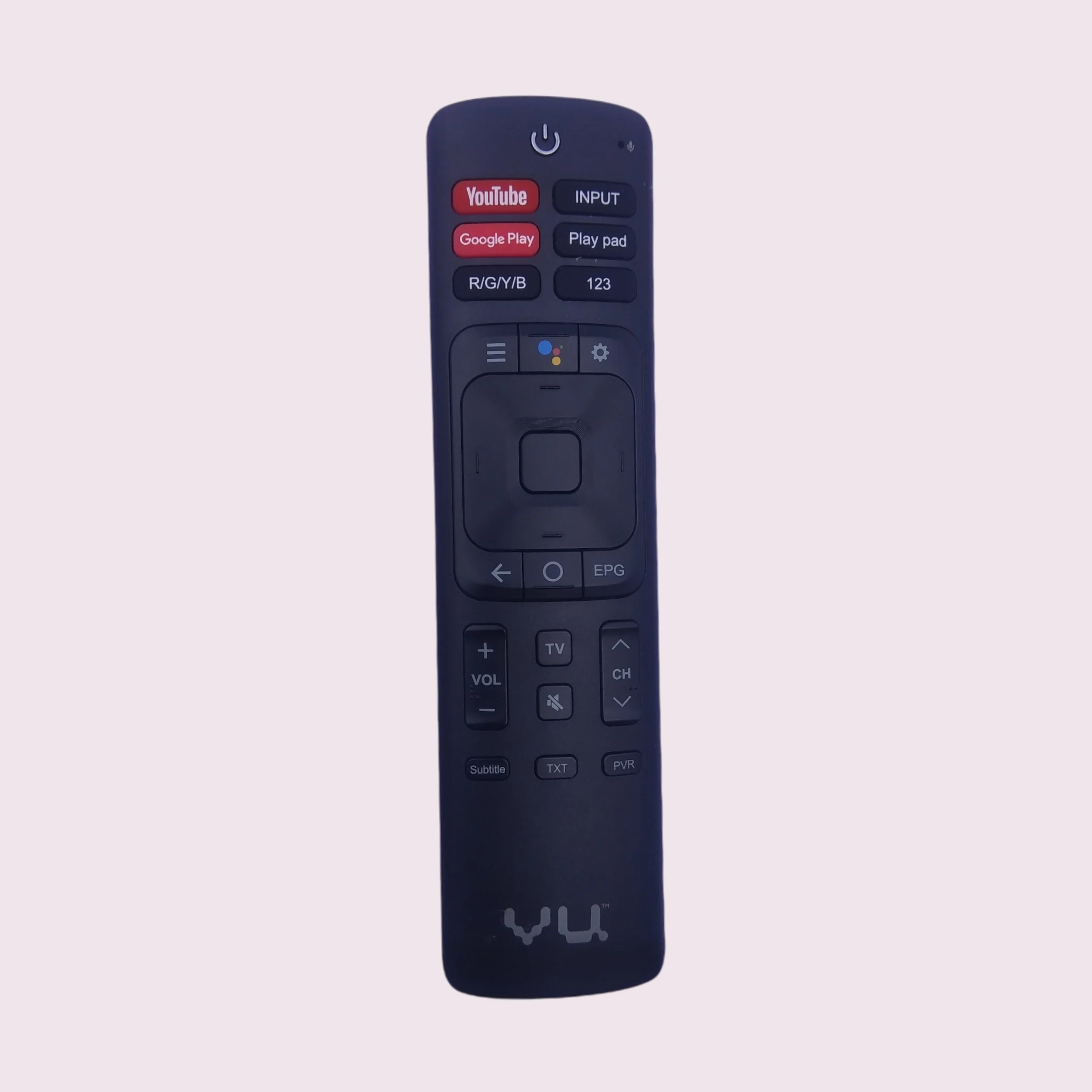
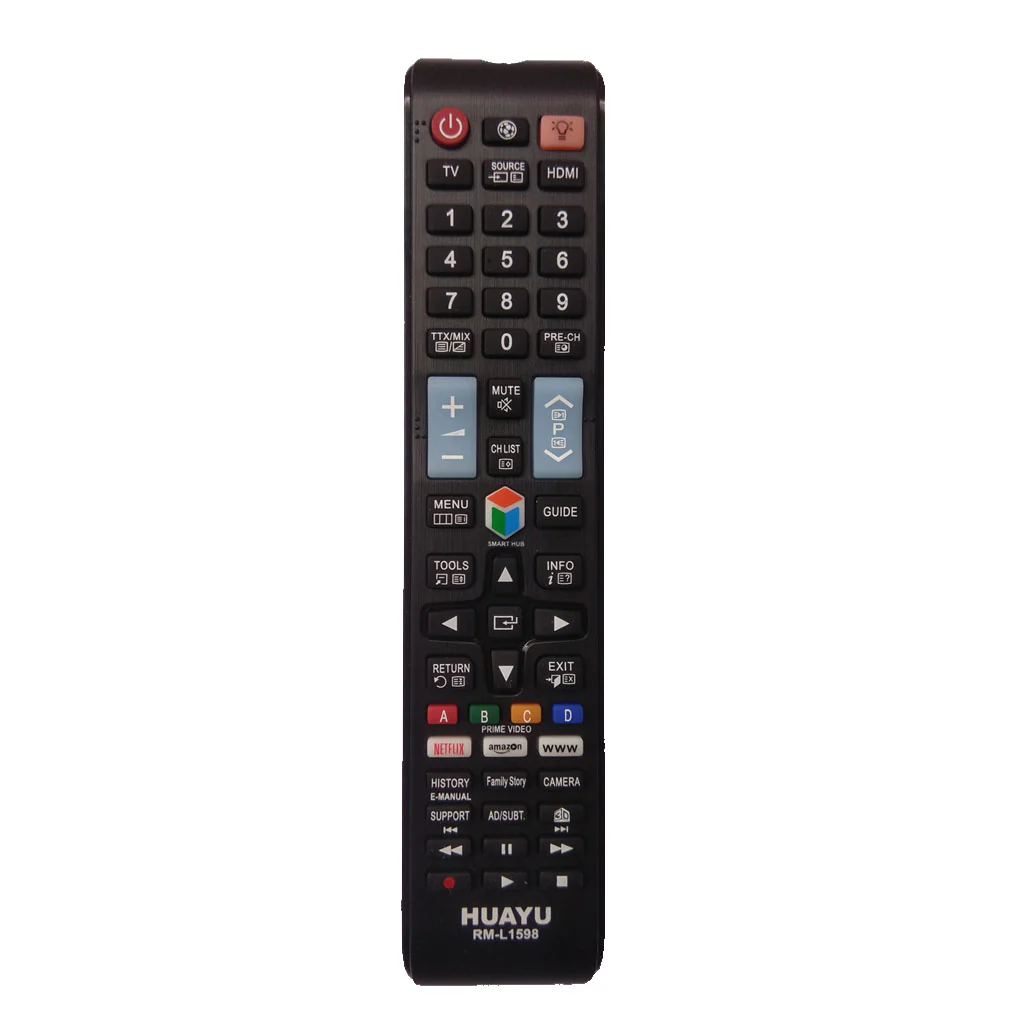
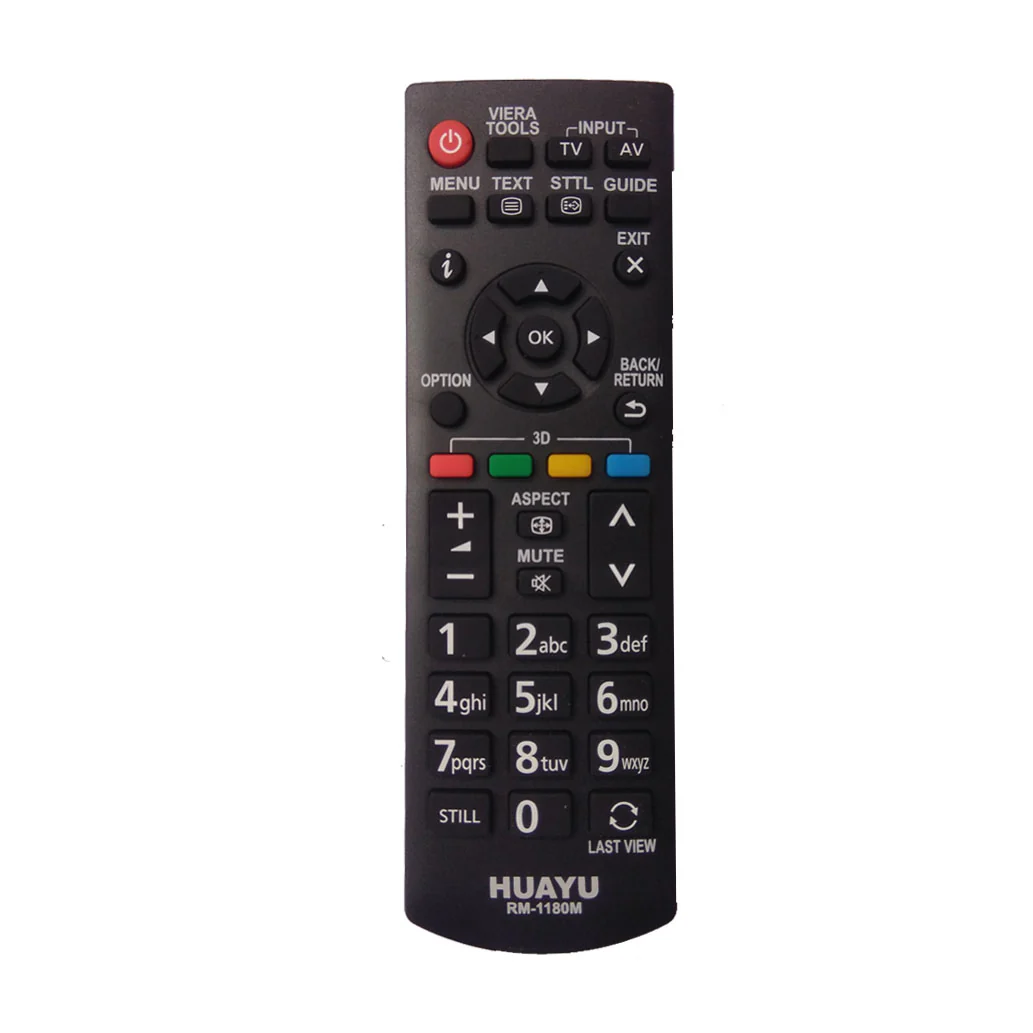
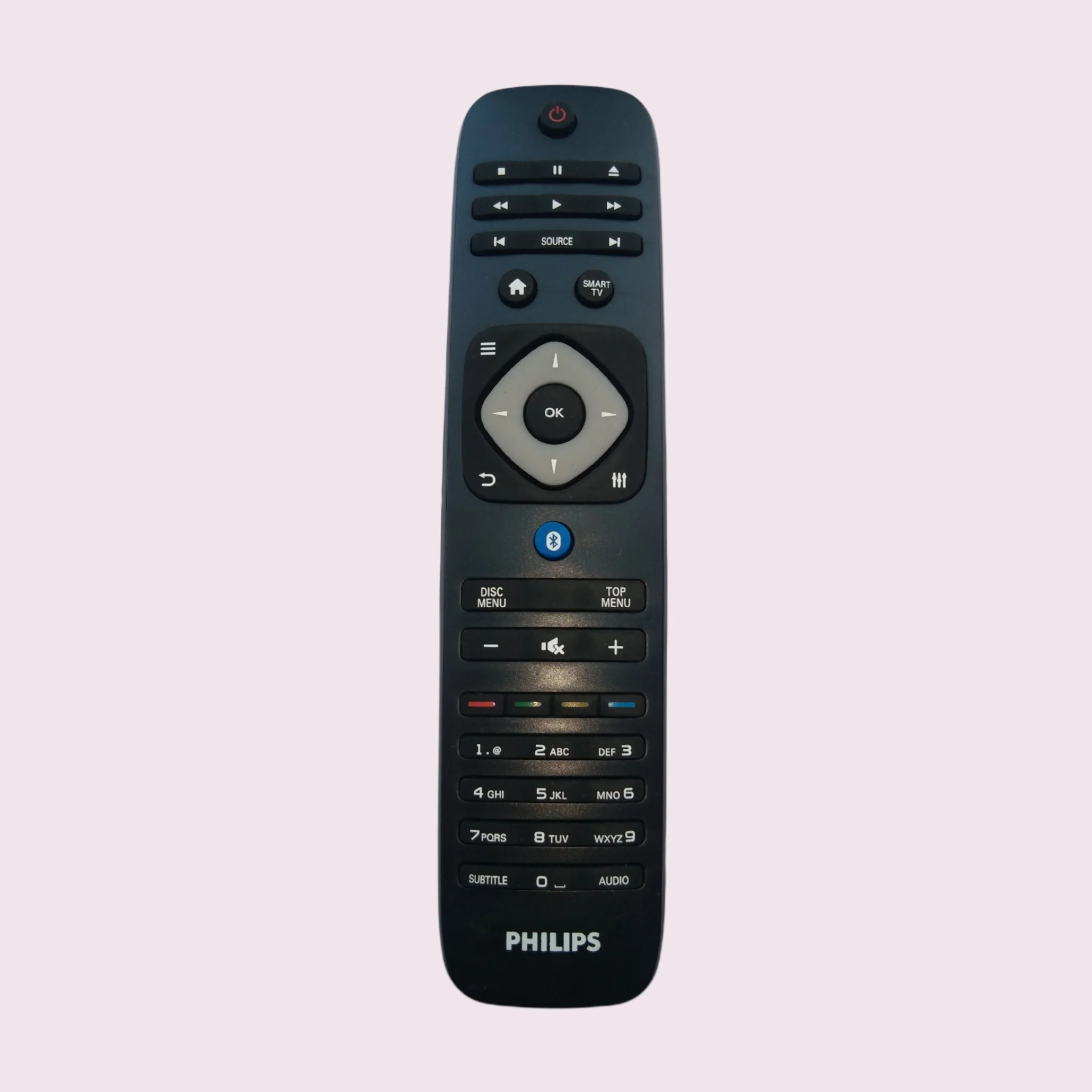
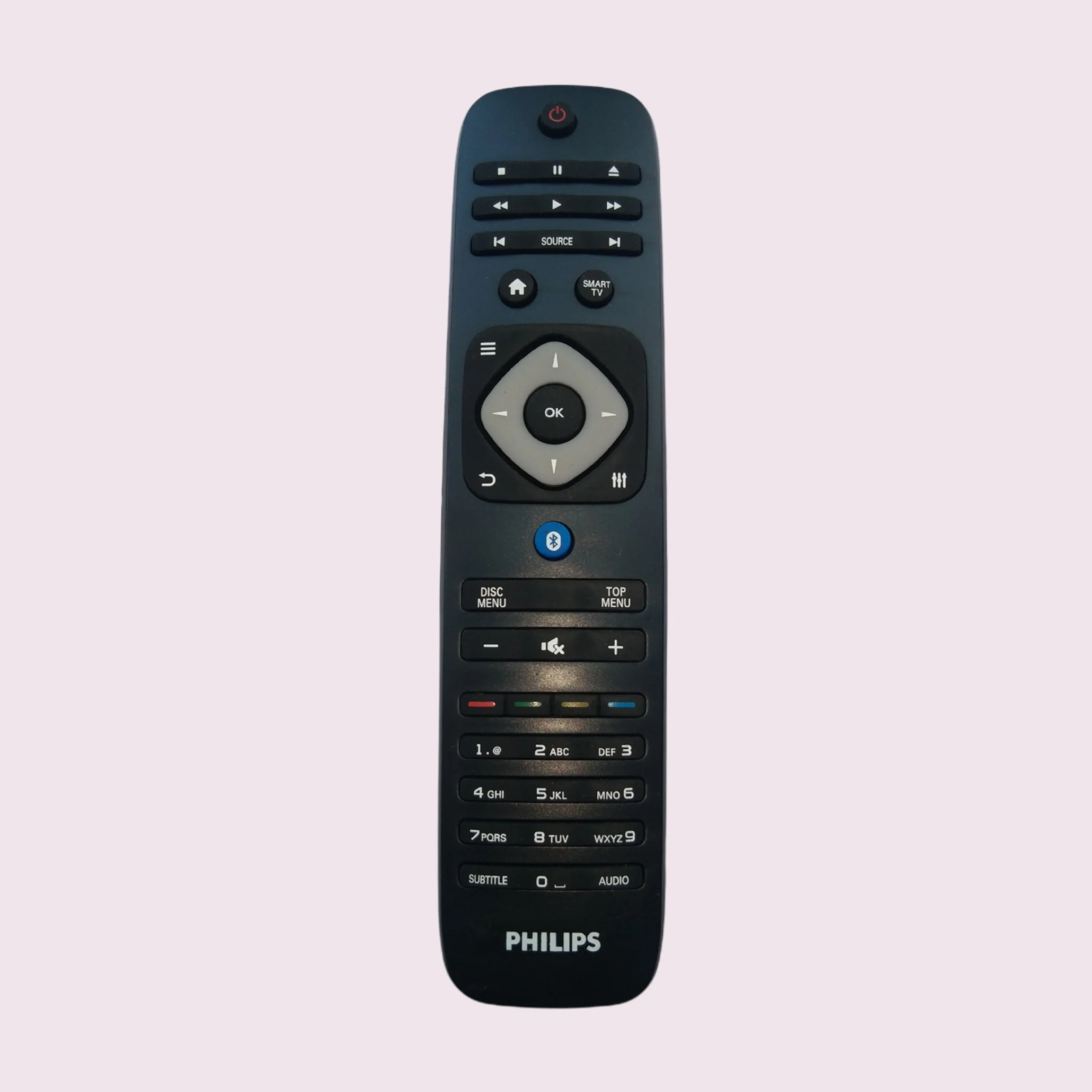
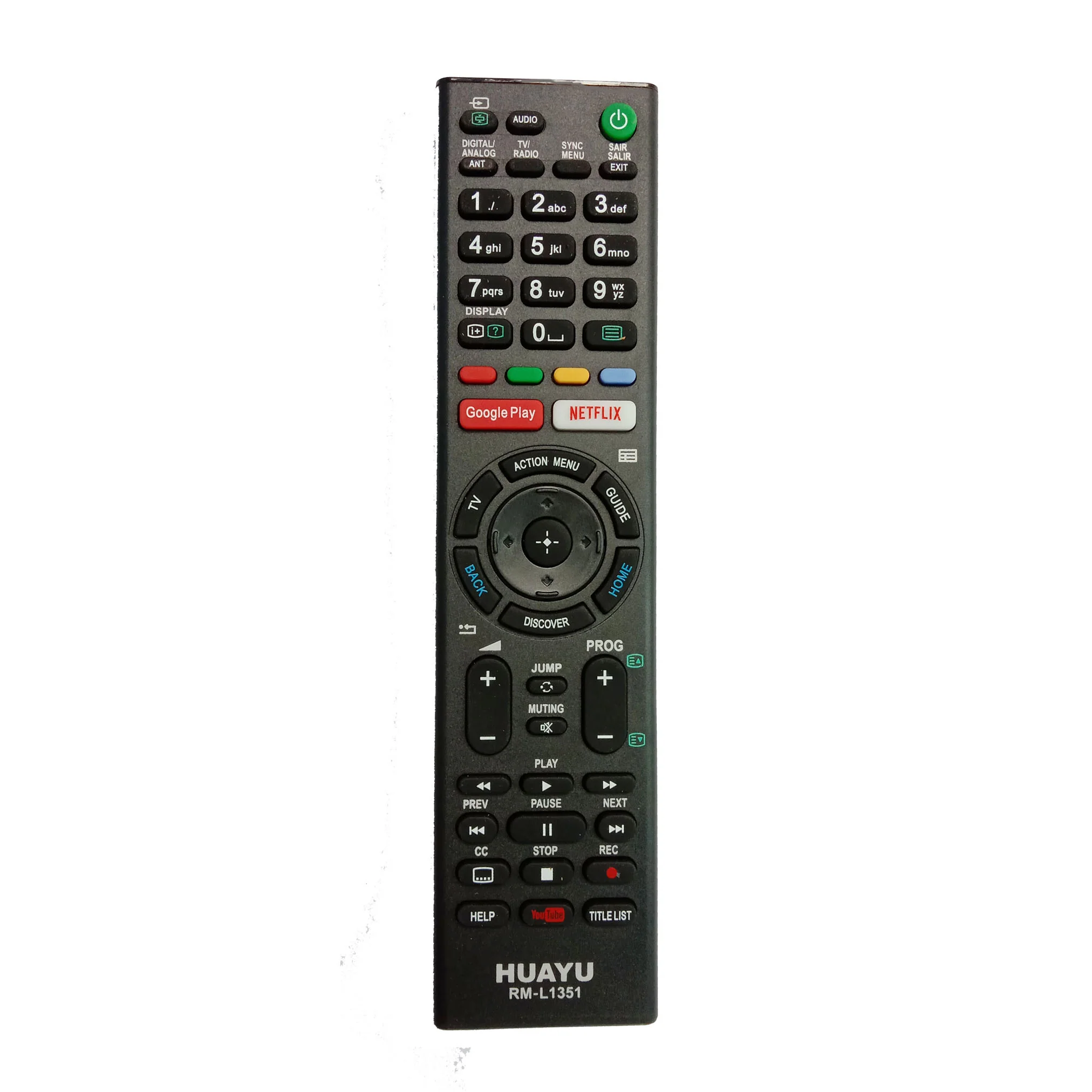
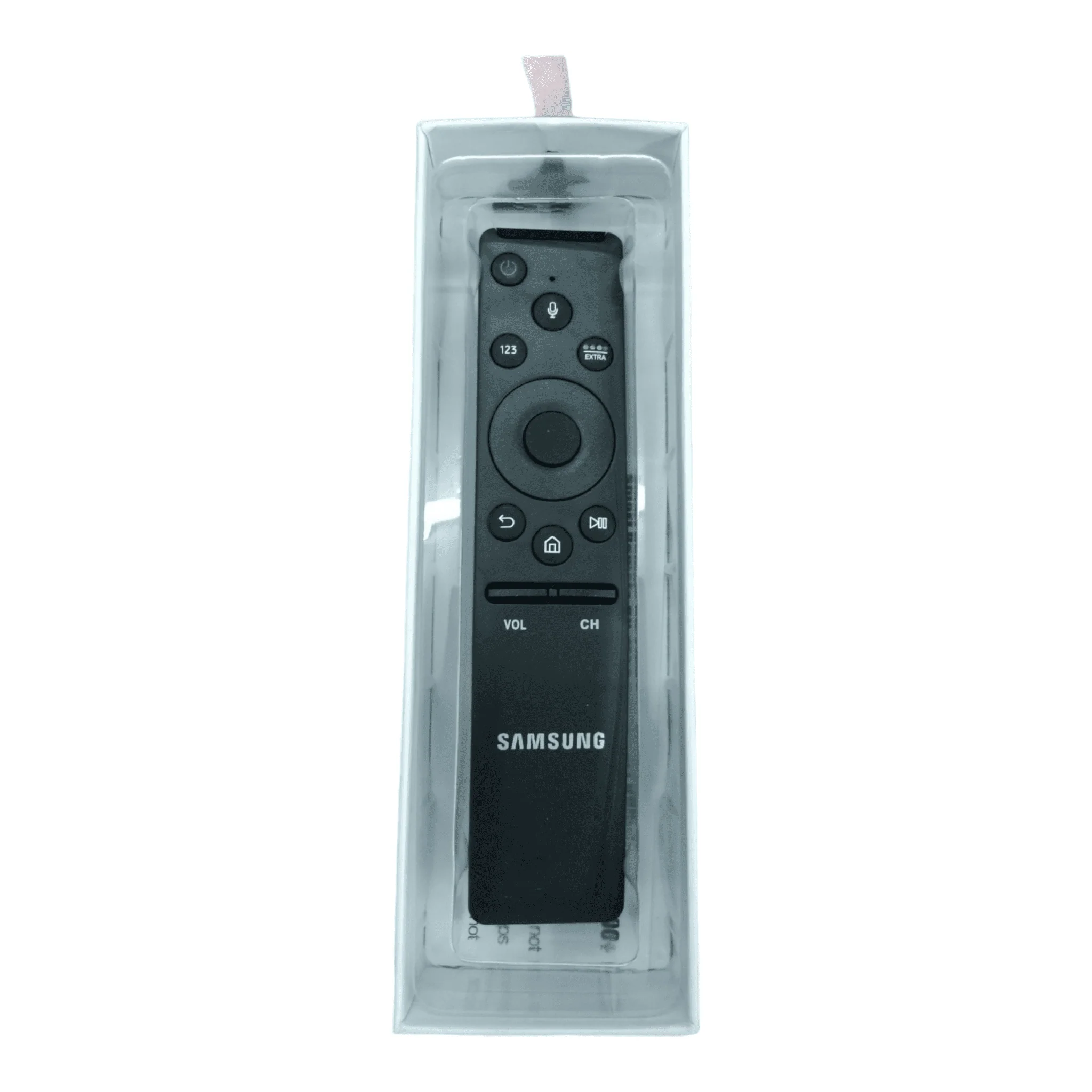
📺 Samsung Smart TV Remote – Seamless Control & Quick Replacement!
✅ Fast Dispatch & Delivery:
🚚 Same-Day Dispatch (Order before 2 PM)
📦 Delivery: 2 to 5 Days Across India
🚛 Courier Partners: FedEx, Delhivery, E Com Express, DotZot, Professional
🔗 How to Connect Your Samsung Smart Remote
1️⃣ Point the remote at your Samsung TV’s remote sensor (usually at the lower right-hand side or bottom center).
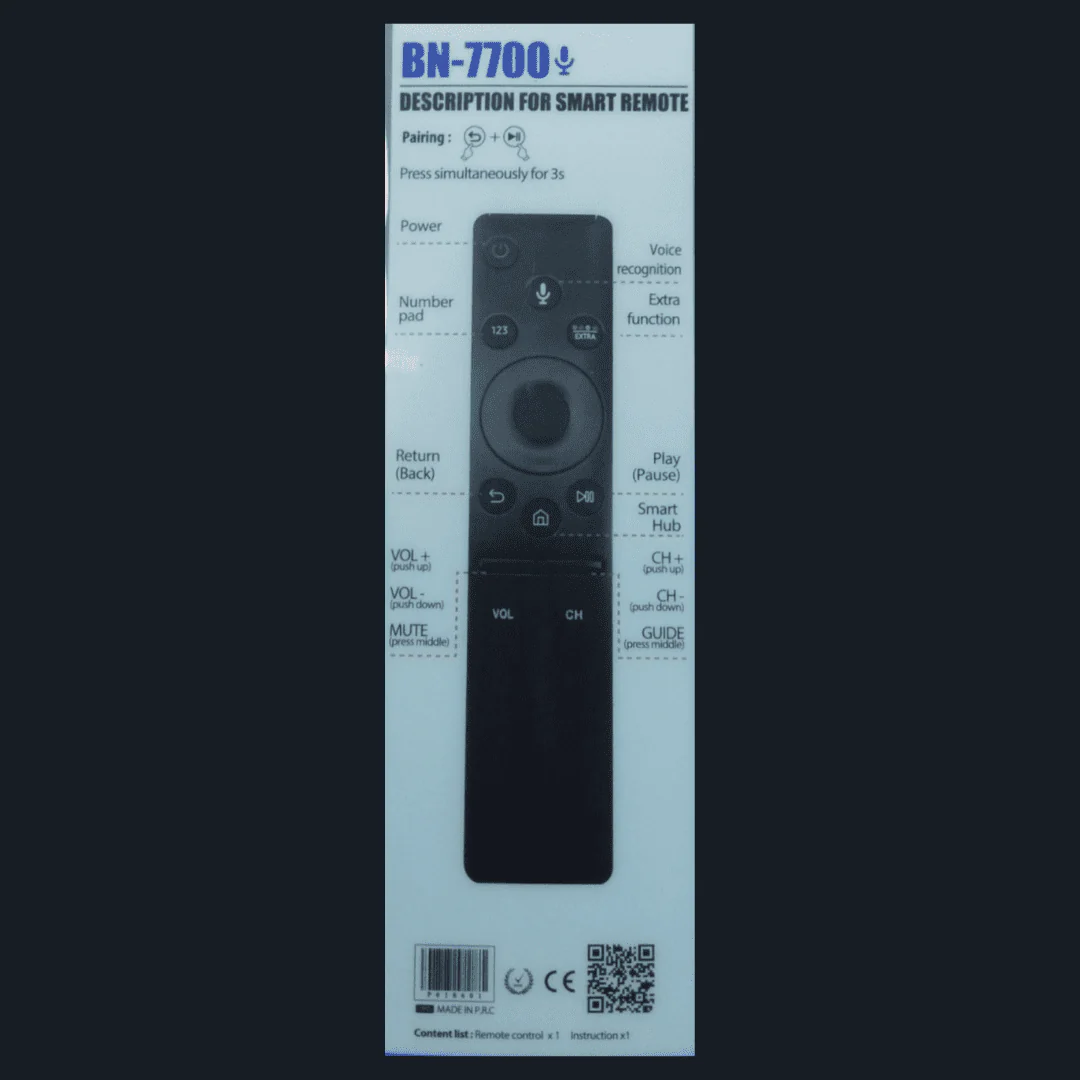
2️⃣ Press and hold Return ⏪ + Play/Pause ⏯️ for at least 3 seconds.
3️⃣ Your TV will begin syncing, and a confirmation message will appear once connected.
🛑 Lost Your Remote?
No worries! You can replace your remote easily. If your new remote has a different button layout, check your user manual for model-specific setup instructions. Need help? We’ve got you covered!
🚀 Shipping & Returns
✅ Ships Across India – Delivery in 1 to 4 days 🚚
✅ Carefully Packaged for Safe & Secure Shipping 📦
✅ Cancellation: Cancel anytime before shipment ❌
✅ COD Available (Check homepage for details) 💰
✅ Easy Replacement – If you receive the wrong product or a faulty one, we’ll replace it for free 🔄
📞 Need Help? Contact Us!
📩 Email: [email protected]
📲 WhatsApp: +91 9003522687, +91 8344041622
📍 Store Address:
Meem Step and Shop, c/o UAE Travels Services,
16/4 Hajee Sathar Complex, Kuruvikkaran Salai,
Anna Nagar, Madurai – 625020.
🕙 Office Hours: 10:00 AM – 7:30 PM
🔹 Order Now & Experience Hassle-Free Control! 🔹
Details & Craftsmanship
Every detail has been carefully considered to bring you the perfect product.

Details & Craftsmanship
Every detail has been carefully considered to bring you the perfect product.

Details & Craftsmanship
Every detail has been carefully considered to bring you the perfect product.
Description
📺 Samsung Smart TV Remote – Seamless Control & Quick Replacement!
✅ Fast Dispatch & Delivery:
🚚 Same-Day Dispatch (Order before 2 PM)
📦 Delivery: 2 to 5 Days Across India
🚛 Courier Partners: FedEx, Delhivery, E Com Express, DotZot, Professional
🔗 How to Connect Your Samsung Smart Remote
1️⃣ Point the remote at your Samsung TV’s remote sensor (usually at the lower right-hand side or bottom center).
2️⃣ Press and hold Return ⏪ + Play/Pause ⏯️ for at least 3 seconds.
3️⃣ Your TV will begin syncing, and a confirmation message will appear once connected.
🛑 Lost Your Remote?
No worries! You can replace your remote easily. If your new remote has a different button layout, check your user manual for model-specific setup instructions. Need help? We’ve got you covered!
🚀 Shipping & Returns
✅ Ships Across India – Delivery in 1 to 4 days 🚚
✅ Carefully Packaged for Safe & Secure Shipping 📦
✅ Cancellation: Cancel anytime before shipment ❌
✅ COD Available (Check homepage for details) 💰
✅ Easy Replacement – If you receive the wrong product or a faulty one, we’ll replace it for free 🔄
📞 Need Help? Contact Us!
📩 Email: [email protected]
📲 WhatsApp: +91 9003522687, +91 8344041622
📍 Store Address:
Meem Step and Shop, c/o UAE Travels Services,
16/4 Hajee Sathar Complex, Kuruvikkaran Salai,
Anna Nagar, Madurai – 625020.
🕙 Office Hours: 10:00 AM – 7:30 PM
🔹 Order Now & Experience Hassle-Free Control! 🔹